

MouseLaunch 5.6
You can activate the launcher by holding down both mouse buttons
Share
Program info
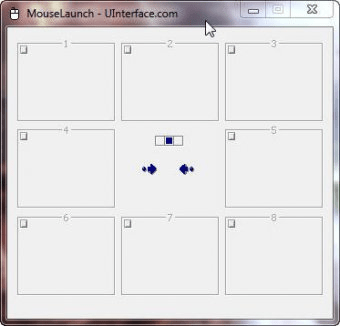
MouseLaunch is a quickest program launcher that is activated by holding down both mouse buttons. You can activate the launcher by holding down both mouse buttons at any location in Windows. Once the launcher activated, move the mouse cursor a little to the registered program/file (8-direction) and click to launch. Once you experienced, it will takes less than 1 second for entire action. File registration can be done easily by drag-and-drop.What's new: Large font desktop compatibility added.
Details
Extensions

No information available
The data will be available later.Awards

There are no awards
Over time, app awards will appear here.


Comments